
You can use the Pikes Peak Portal to send an email to every student in your class via their student.cccs.edu email. Locate the Banner Self Service (SSB8) card, open the Faculty Menu and select “Summary Class List”.

Select the correct term.

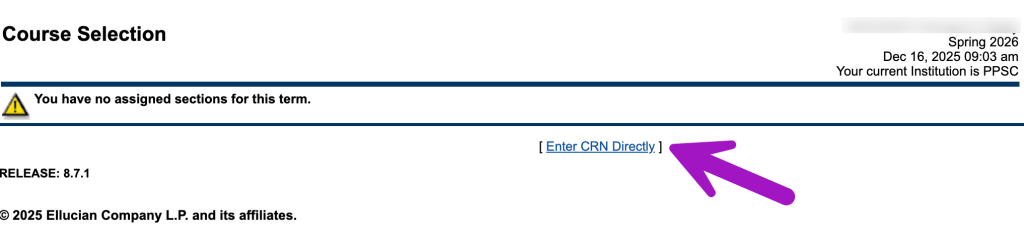
Locate your class or enter the CRN if needed.
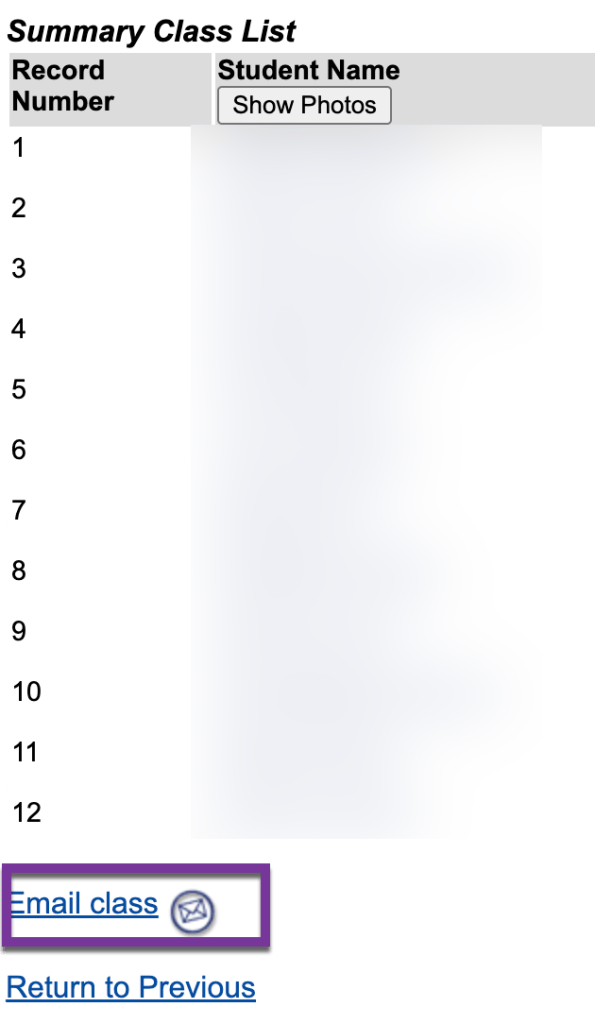
At the bottom of the roster, there will be a link to “Email class”. This will auto-populate the student’s student.cccs.edu email addresses in your default email application.
Note: Sharing your Simple Syllabus? Find out how to get the shareable link to your syllabus from the following article: Sharing your Simple Syllabus before classes start.


You must be logged in to post a comment.