
Are your PowerPoints or other files are appearing strangely in D2L (such as looking like all text and pictures are stacked on top of one another)?
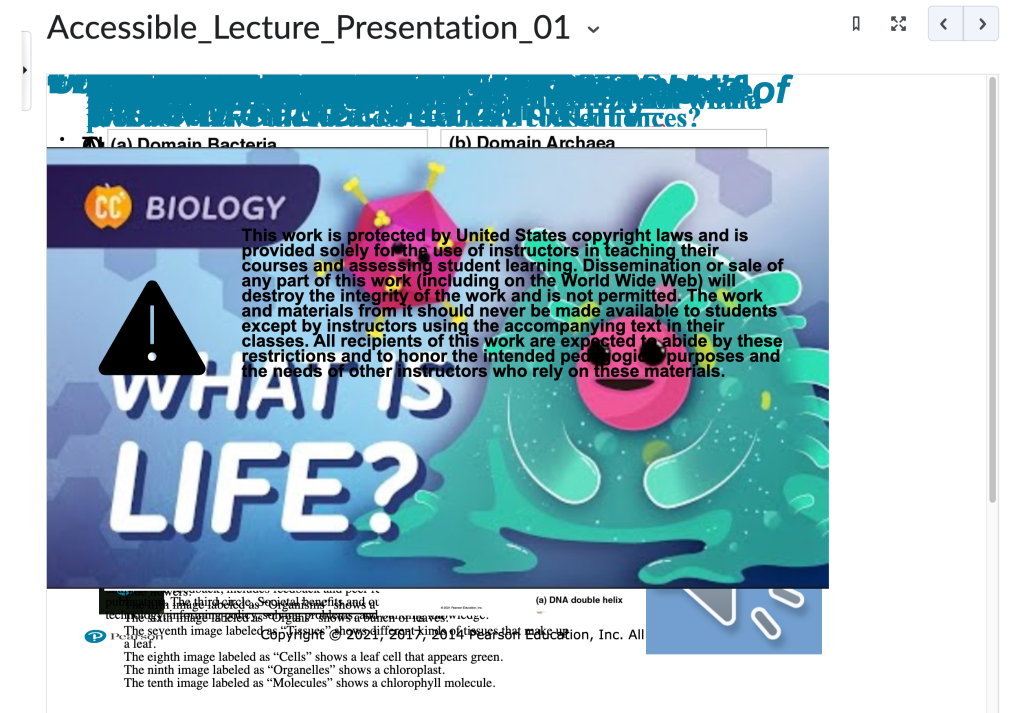
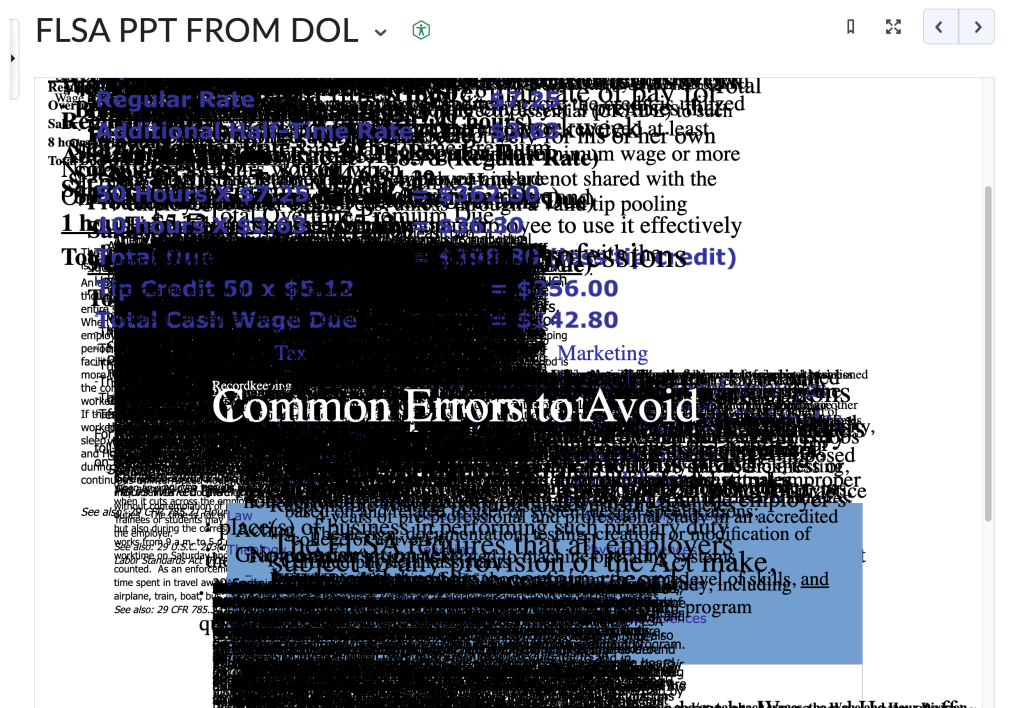
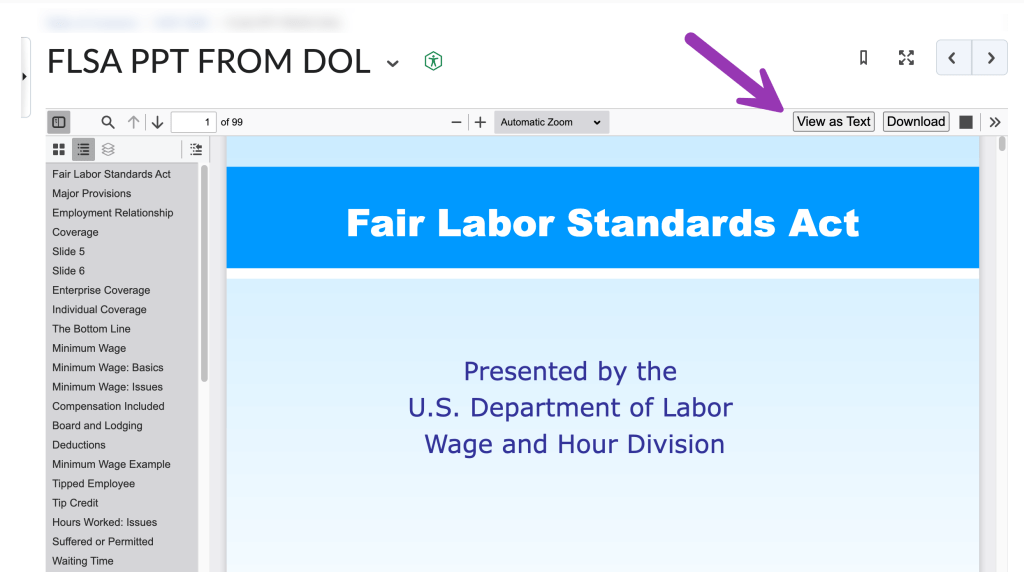
This issue can happen if you click on the “View as Text” button in D2L.
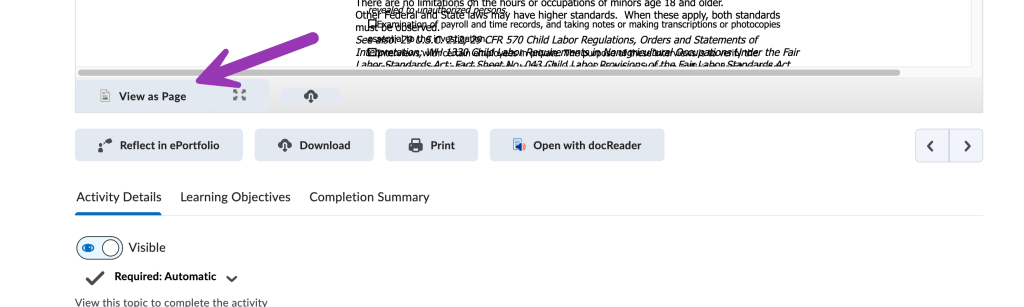
To fix this issue, scroll to the bottom of the page and click the “View as Page” button. Your files should return to normal.
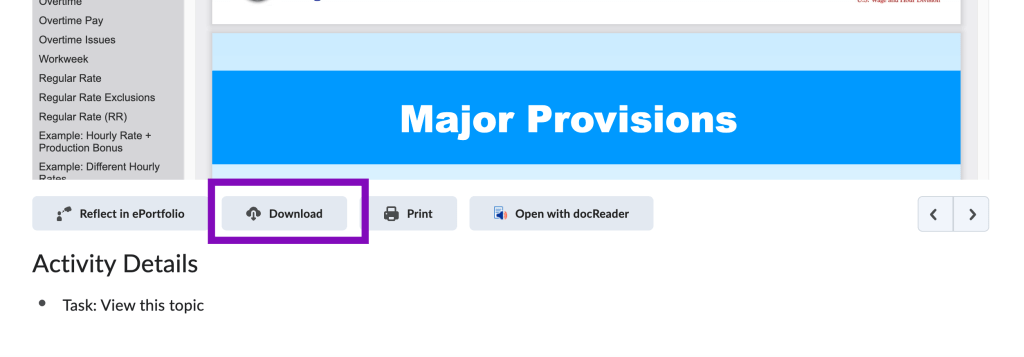
Note that you can always click the “Download” button to save the source file to your computer, rather than viewing a file in D2L.


You must be logged in to post a comment.