
All online courses are required to use the Colorado Online Common Course Framework, and it is preferred to use in all courses.
You can enroll yourself in the Common Course Framework template in two different ways:
1. Enroll yourself via the CO Online Course Materials and Teaching Resource Dashboard #
- Go to the CO Online Course Materials and Teaching Resource Dashboard.
- Log in with your S# and password
- Select the Term, Dicipline, and Course Number of a course you are teaching. Note: Even if you aren’t teaching a course, you can still enroll in the Common Course Framework on any course’s page.
- Scroll down until you see the Teaching Resources Section.
- Click on the Common Course Framework to expand the accordion. Then, click on the Enroll button.

- The Colorado Online Common Course Framework (Template) will appear in MyCourses.
2. Enroll yourself via the Discovery Tool #
- Log into MyCourses.
- Click on the link to Discovery Tool – Register
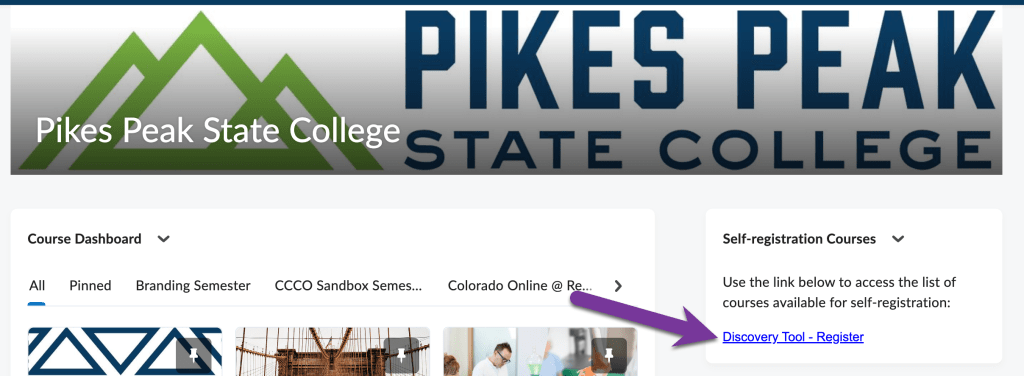
- Look for the course called “Colorado Online Common Course Framework (PPSC)”. Click the Enroll button next to this course.

- This course will appear on your Course Dashboard in MyCourses.


You must be logged in to post a comment.