
Reading Order #
Because of how PowerPoint renders content, it is possible that users with a screen reader can read your content in a different order then what is visually displayed. This is called Reading Order, which is the order in which content is actually read to a user.
You can easily change the reading order by following these steps:
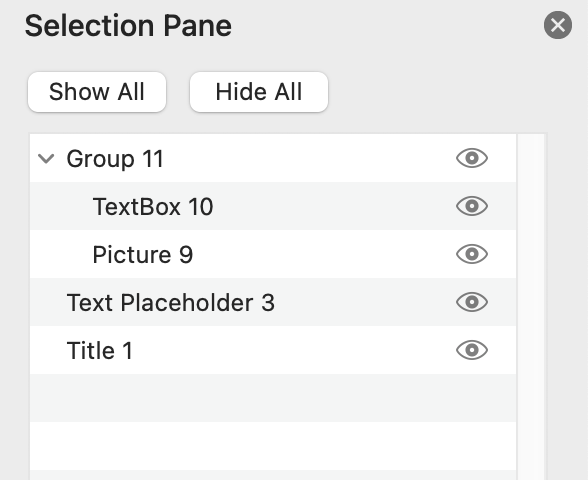
- Click on “Home“, then click on “Arrange” and select the “Selection Pane“.
- Check your reading order using the selection pane. Items on the bottom of the list are read first.
- Click and drag an item to re-order it in the “Selection Pane“.

Please view the following video tutorial from Diablo Valley College that discusses how to modify reading order in PowerPoint:


You must be logged in to post a comment.