
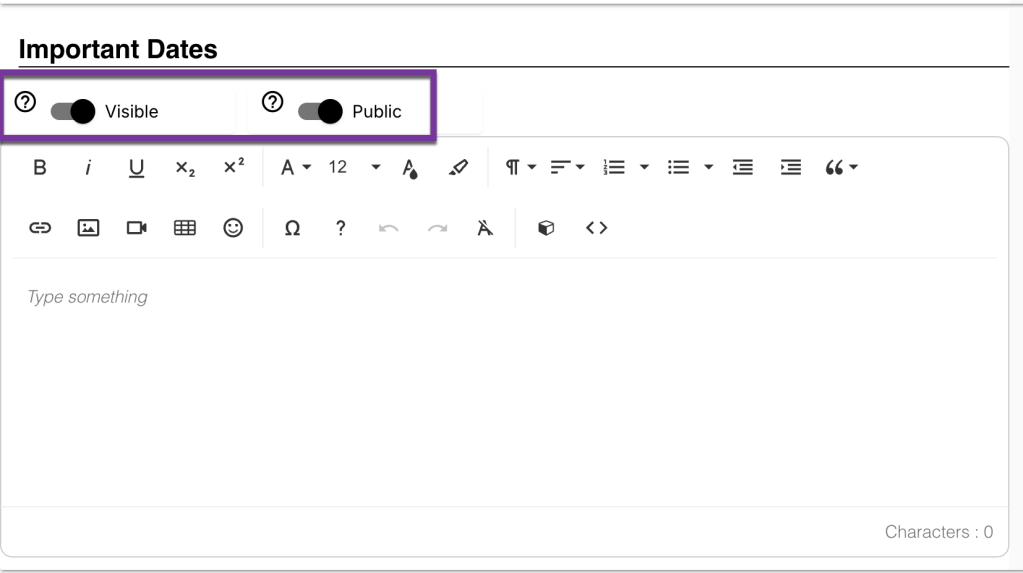
You will see the following toggles at the top of each Simple Syllabus component. We’ll take a deep dive into what each of these settings means.
Visible Vs. Invisible #
“Visible” means that a specific component of the syllabus will appear on the final published version to students, while “Invisible” means that the component will be hidden and not displayed to students. Note: Leaving a component blank will also render it invisible on the finished Simple Syllabus.
Private Vs. Public #
There may be sections of the Syllabus that you do not want displayed to people who are not enrolled in the course. Fields that are “Public” are displayed to anyone who has access to the published syllabus. Fields that are “Private” are displayed only to the instructor and students enrolled in the course.
Note: We recommend making your finished syllabus “Public”, and then toggling sections to be “Private” if you do not want a section to display to the larger community. Making your syllabus public, especially if you email it to students prior to the start of the semester, ensures that all students have access to it. Many students have their student emails set to forward to their private email, which results in an access error if they try to see a “Private” or “Campus Community” syllabus.


You must be logged in to post a comment.